

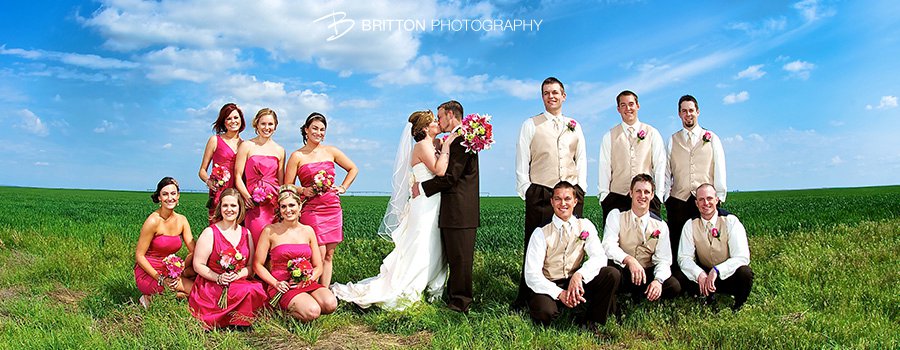
With some of our wedding photography packages you receive a disc of images and a print release from us to print from it. While we have carefully chosen our printer to deliver exceptional and consistent results, we definitely understand you wanting to be able to do it yourself. Each of our packages includes at least some amount of prints to allow you to see how a printed copy of the photo should look like.
To receive the best possible prints from that disc, there are things you can do to get there. Some of it can be really technical, which I'll cover a bit of here, but I'll also try to explain some of the quick and simple things that can be done at any level of skill.
There are two ways to get prints of the photos on your disc: you can take them to a commercial printing service (e.g., Costco) or print them at home on your own photo printer. With very few exceptions, home photo printers do not do an adequate job until you get into the $500 price range and higher. Most of this is due to the inks used — and the inks used are one of the two most important factors when printing from home. The second is the paper.
At home printing and the ink
Consumer home photo printers are most often the four- and six-ink varieties. Our studio inkjet printer is a ten-ink printer. The reason for this is because of limitations with ink color mixing that the printer can do — some colors just can't be reproduced without the right base inks to mix. The fewer the inks, the fewer mixing options there are and the less accurate the print is. Printer manufacturers over the years have created higher ink printers to solve this.
The problem you'll usually run into on your home printer then is a color-shift towards a certain color. It's totally different depending on the printer and paper combination used, but I've noticed it most shifting towards yellow and green. If you've ever dug out some old photos, you should have some idea of what this looks like.
Without going into too much detail, we recommend at least an eight-color printer to get decent home prints. Unfortunately, the price of the ink (i.e., the cheap refill services) is very much a factor too, and you will get the best results using original manufacturer ink. The knock-off inks do not have the consistency and longevity of the original manufacturer inks. There are numerous other factors affecting it as well, but for most, it's not important enough to worry about. For the curious, feel free to search and read about dye and pigment inks, colorspaces, rendering intents, and the other terms that will come up with those.
The files we've included on the CD are JPEGs in the sRGB IEC61966-2.1 colorspace. When not using high-end printing services or graphics programs, this is the colorspace that is assumed to be the default in virtually all cases. What this means to you is that you don't need to worry about it if you're only printing photos. It comes into play most with press-printing of brochures, business cards, books, and other mass-quantity media.
At home printing and the paper
Equally as important as the ink, the paper can make or break your home print. Like ink, price usually matters here too — you get what you pay for. If you've never paid attention to the various qualities of common letter paper, there are an incredible number of factors that differentiate these. From weight, to color (i.e., some papers are "whiter" than others), and even finish, all of these factors that apply to letter paper apply to photo paper. Photo paper also has its own factors on top of this, such as the type of ink it is able to receive.
The files we provide are well-suited as-is to a nice glossy or lustre paper, but others won't likely turn out as well without some tweaking. For our inkjet printing, we use a variety of fine art papers for very special prints and have settled on the Ilford Gallerie Smooth Pearl for our lustre-finished prints. These papers are expensive, relatively speaking, but the results they deliver are unmatched. To be safest if you're newer to photo printing, it's best to stick with the paper of the same brand as your printer. They've invested a lot of money into making sure their papers and printers work well together (and of course charge accordingly…) so you might as well take advantage of that.
Not much more can be said of paper choice without getting a lot more technical, but information on that is pretty easy to find online if you're adventurous. The Illford papers include instruction sheets with settings matched to particular printer models to achieve the best results in addition to providing printer- and paper-specific color profiles on their site.
Printing at the photo lab
Costco, Walmart, Walgreens, and numerous other locations all provide printing services now. Most of them are terrible. To get their print pricing as low as it is, they've made big sacrifices in paper quality, which, as you now know, is very important for overall print quality. Of all of these that we have tested, Costco is the best. On a scale of 1-10, if you consider 10 to be the prints provided by us, we would rate Costco at an 8. Walmart and Walgreens would be around 3-4.
Photo labs do not use inkjets to print their standard-sized prints. It's too expensive and too slow. Instead they use a chemical emulsion printing process that uses yet another kind of paper. Our favorite paper for these is the Kodak Endura line of papers.
There is a catch to using these places that you need to be aware of: they will auto-correct the files you submit unless you indicate otherwise. The files we have delivered to you are already fully color-corrected, sharpened for print, and formatted for their type of printer, and, more often than not, this auto-correction will diminish the resulting print. Make sure they don't do it. Costco, if not others, also has at least one printer that is calibrated regularly — request that they use that one.
You can also use an online photo lab. One of the best online printing services is MPix. They are a consumer division of a professional photo lab. They use mostly the same process and printers that the professional lab uses but are available to non-photographers. We give this one a 9.5 on the scale.
Closing notes
After you've either printed or received some prints back, compare them to the ones you received from us. We do all of our editing and printing in a set of carefully controlled and calibrated systems to make sure our color is accurate and consistent. Most of those places will re-print the photos on request if they are not done well. It's definitely worth doing it right the first time because those might be on your walls for years!


